
Creators
Content CalendarPlan posts on a calendar you own.
Voltis Labs · Creators.
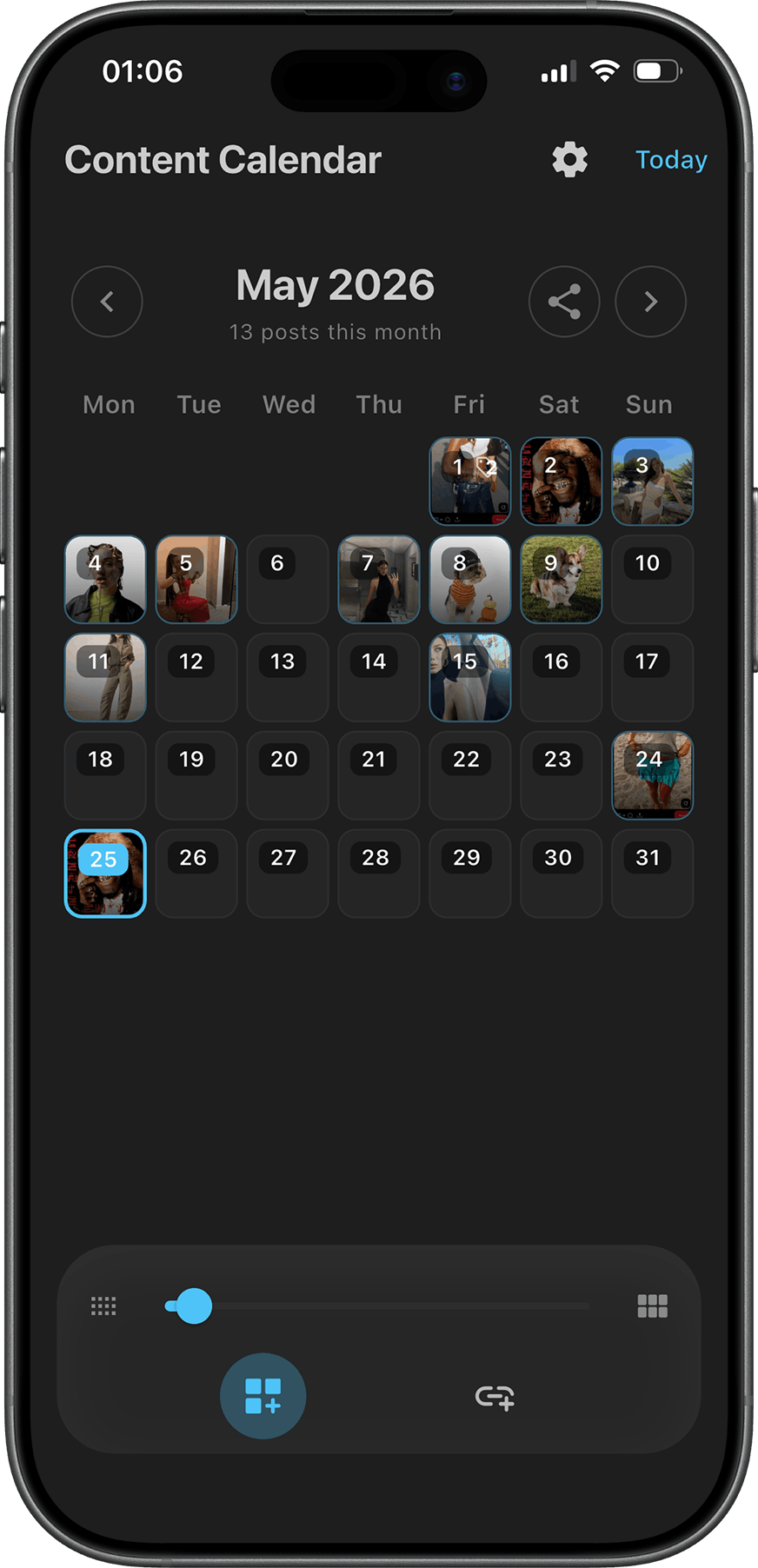
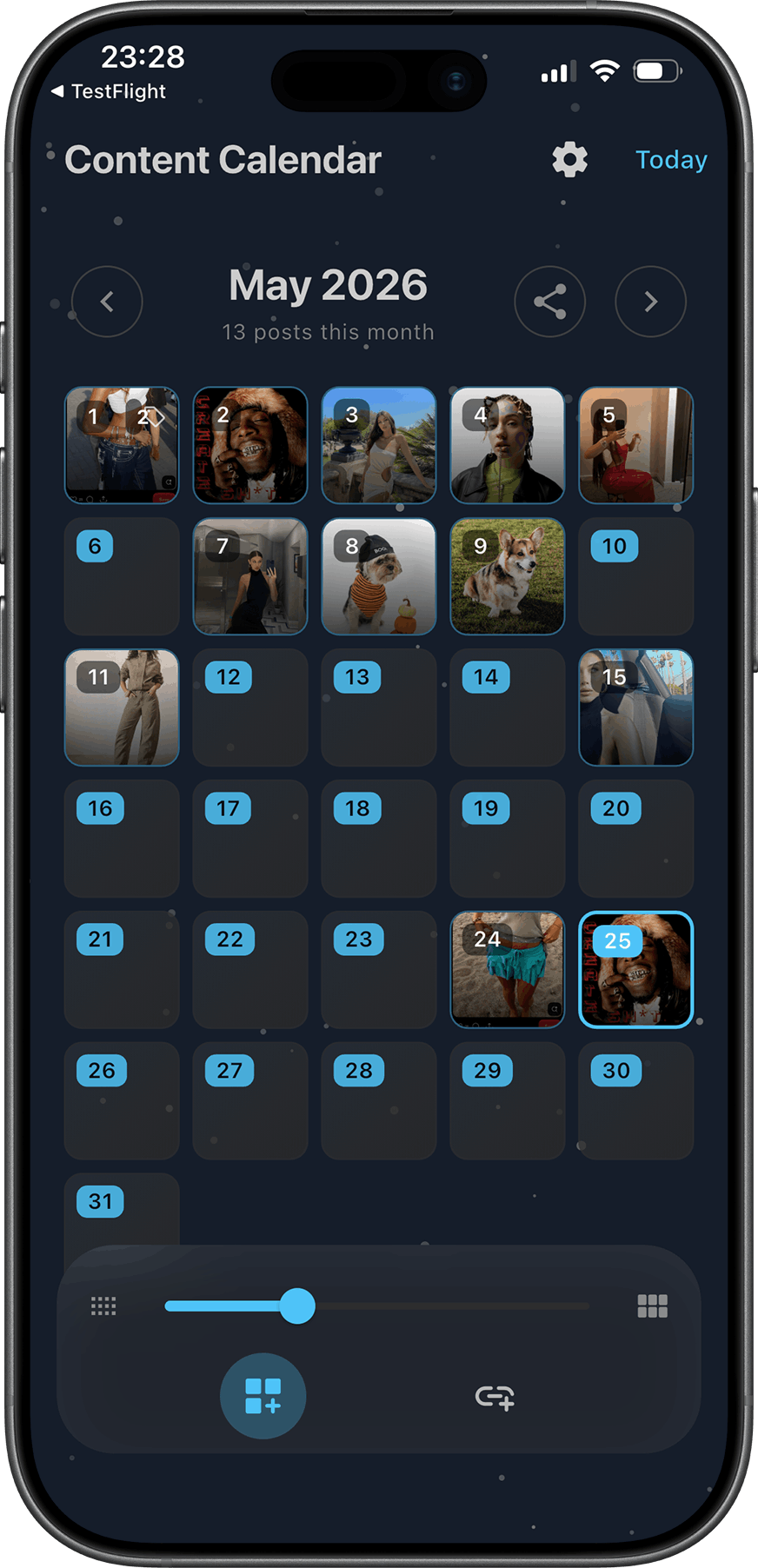
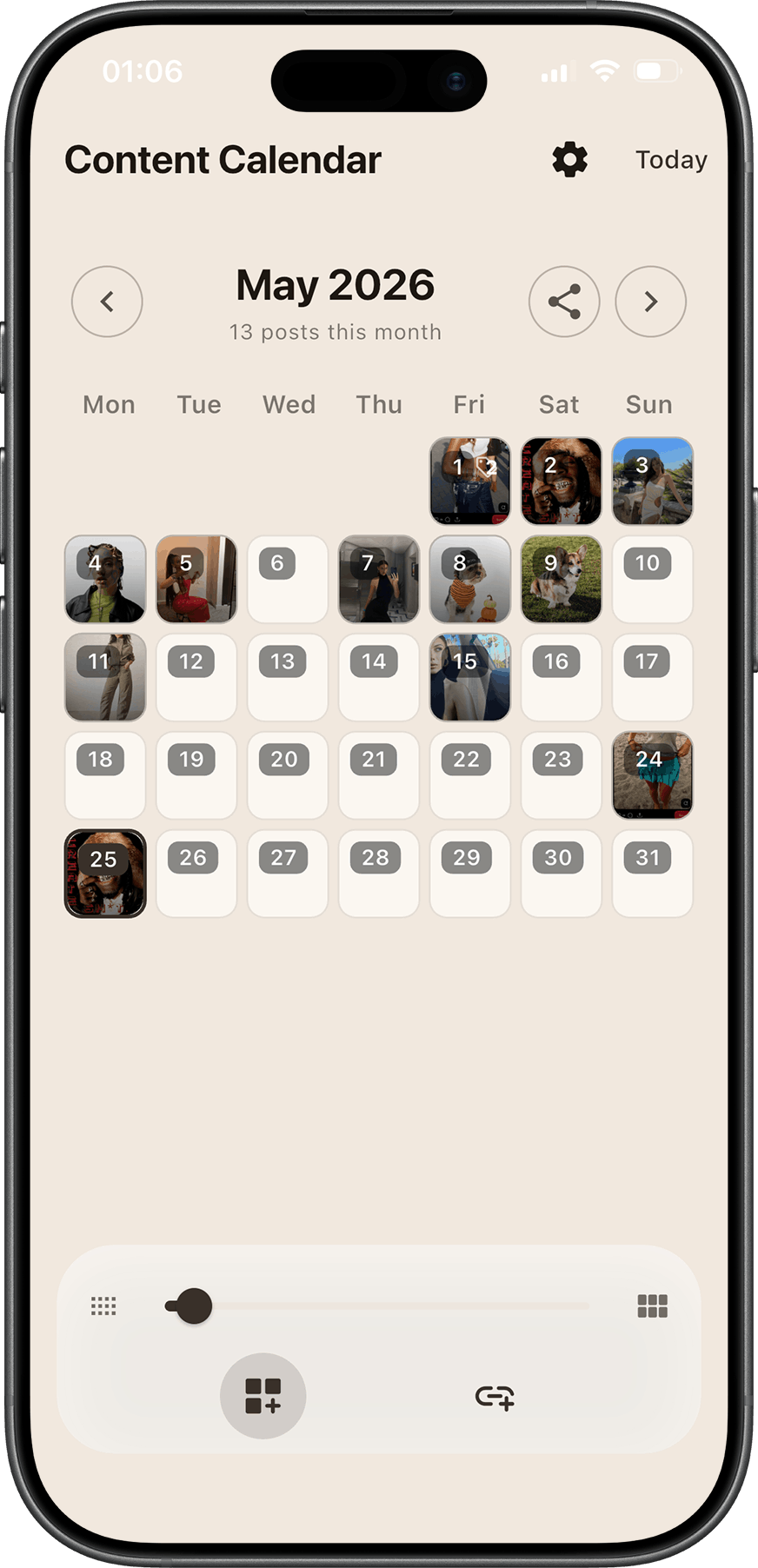
Content Calendar is a local-first planner for creators who plan ahead. Map captions, images, tags, and cover art to each day on a visual grid - without spreadsheets, without a server, and without your drafts leaving your device.
Built with Flutter for Windows and Android. Dark mode, resizable grid, multi-image days, accessibility alt text, and stay-on-top for side-by-side planning while you edit elsewhere.
What is Content Calendar?
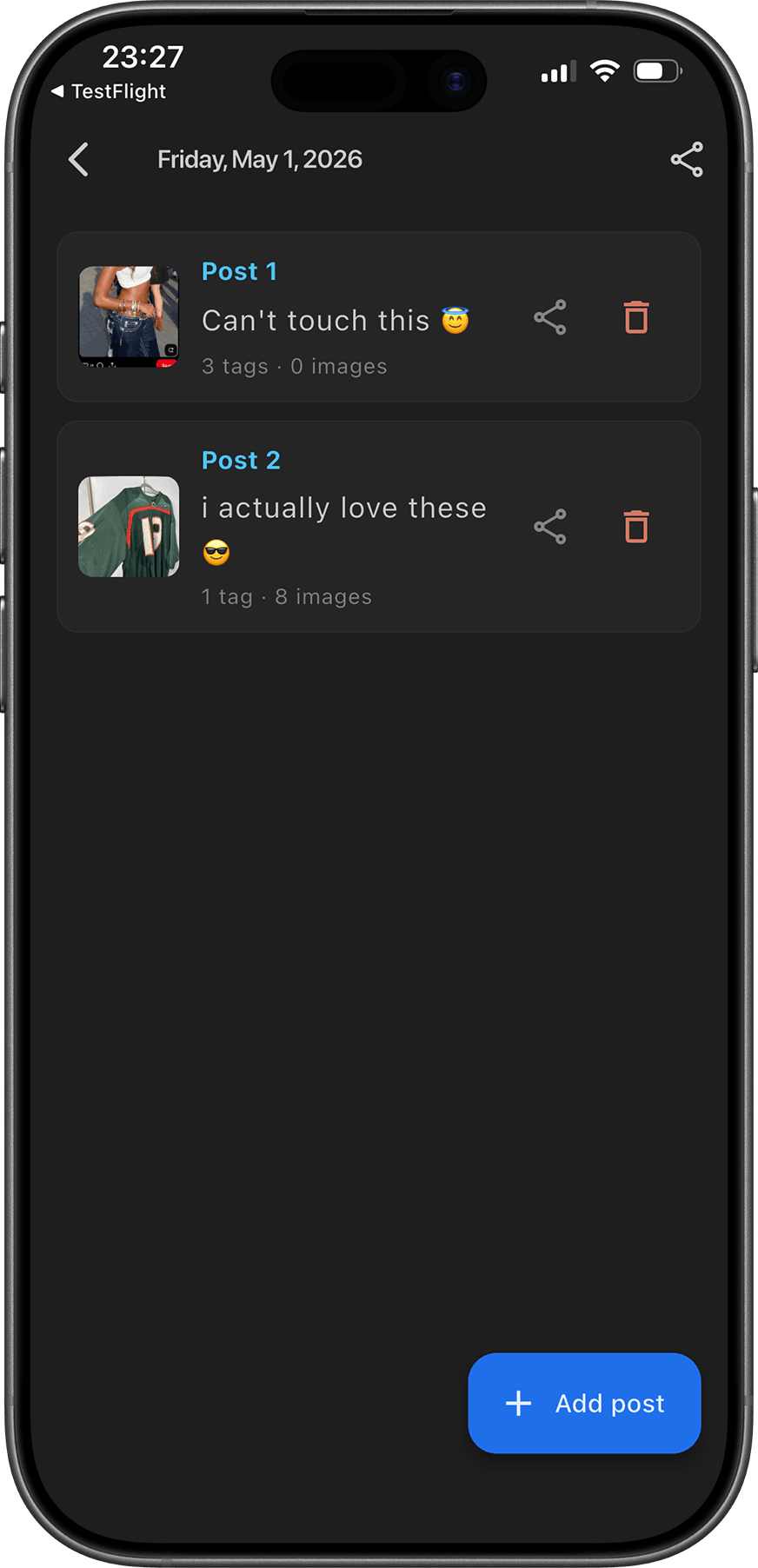
Content Calendar is a personal publishing calendar - not a social scheduler with APIs and accounts. You open a month grid, tap a day, and attach everything you need for that post: cover image for the grid, caption, tags, gallery images with per-image alt descriptions, and a day-level alt summary for accessibility.
Everything saves locally on your phone or PC. No cloud required. No login. Your content plan stays yours.
Who is it for?
- Creators planning Instagram, TikTok, or blog posts week-by-week
- Social managers who want a visual month-at-a-glance without enterprise tooling
- Small teams who need a shared mental model of what goes live when
- Anyone tired of planning content in notes apps that do not look like a calendar
Key features
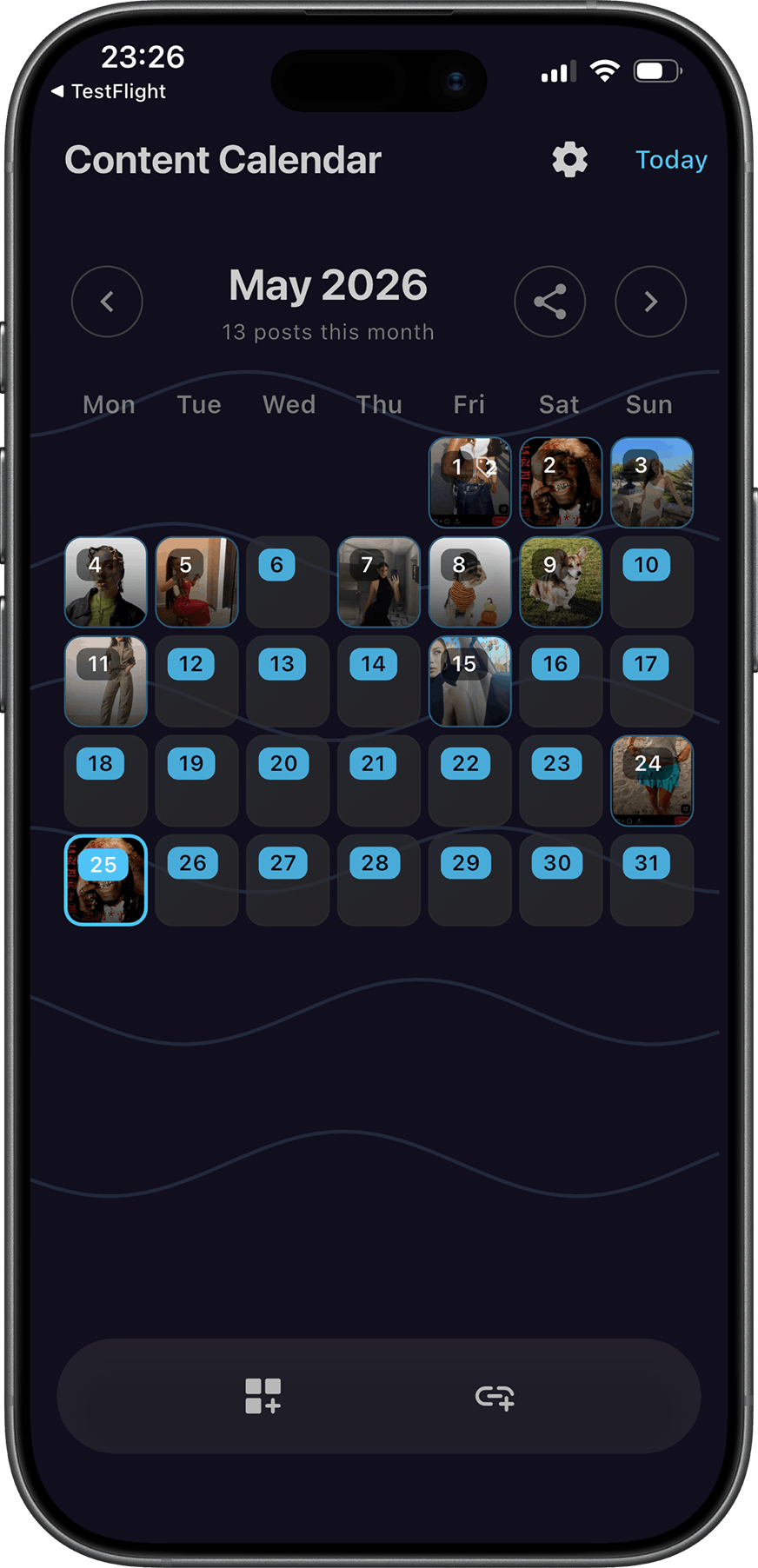
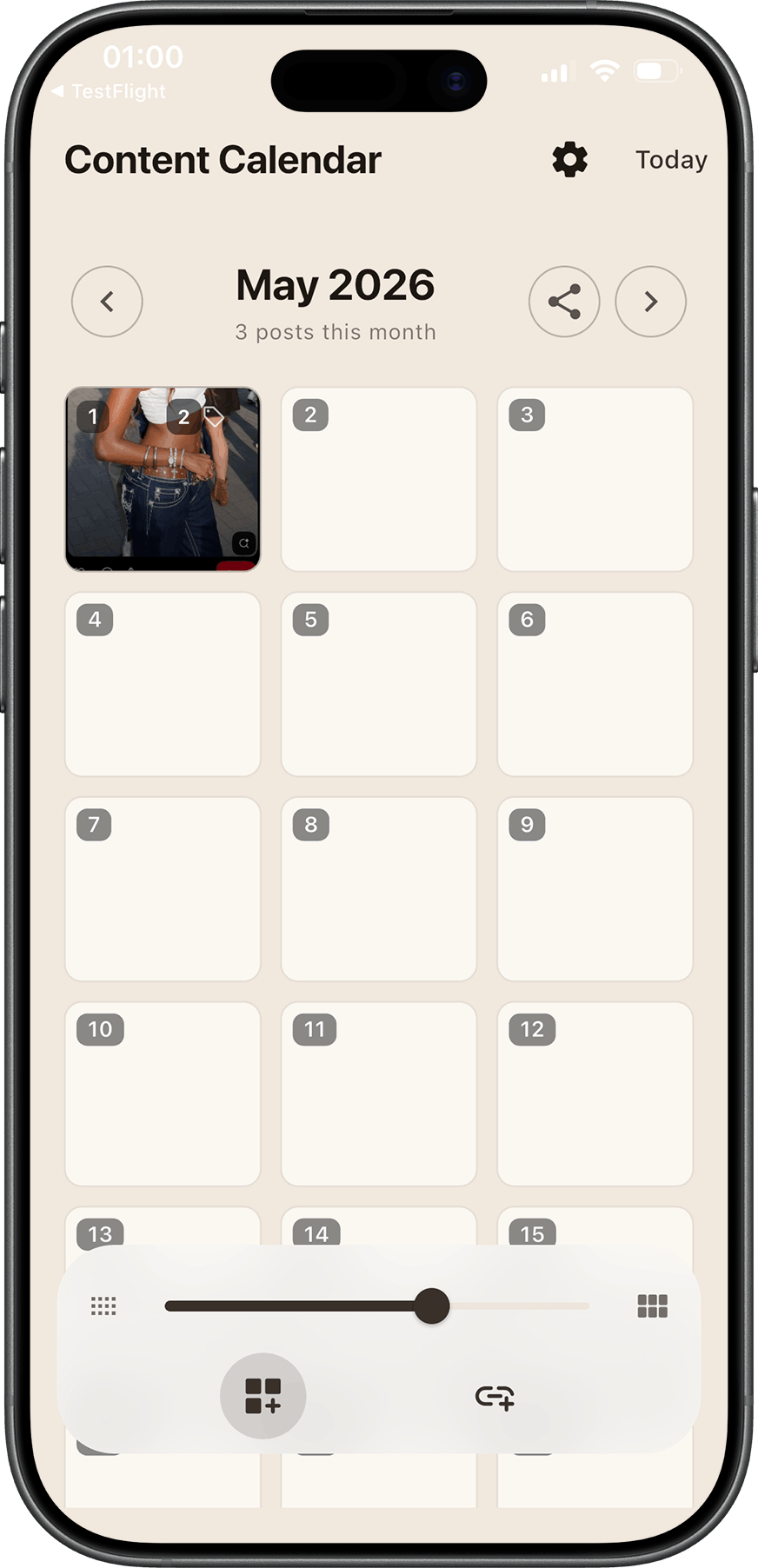
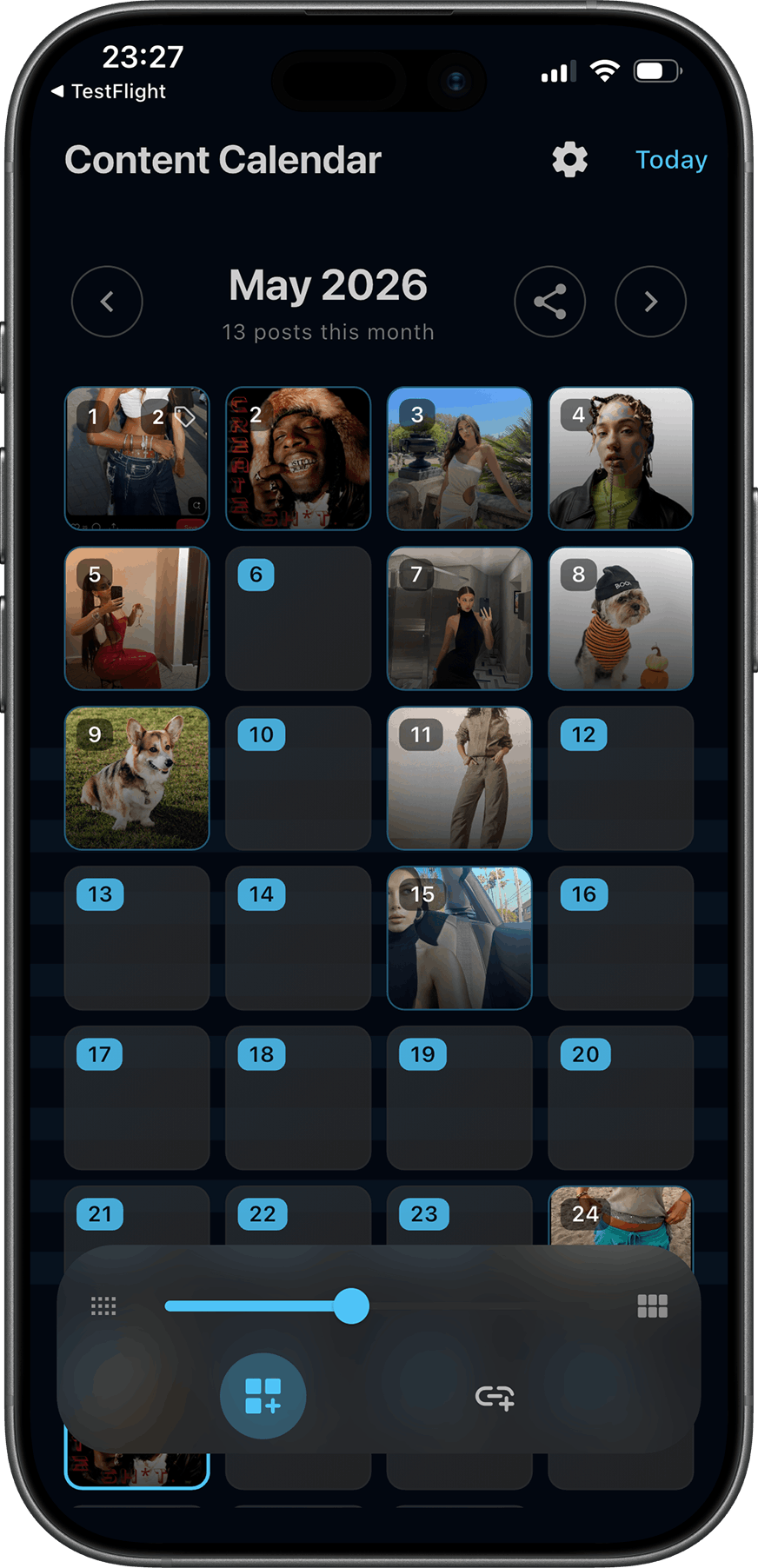
- Calendar grid - Month view with cover thumbnails on each day; resize the grid to fit your screen.
- Rich day entries - Captions, tags, multiple images, cover art, and alt text per image and per day.
- Local-first storage - JSON and images on device; works offline; no backend to maintain.
- Desktop-native - Windows app with File / View menus, stay-on-top, and square minimum window size for focused planning.
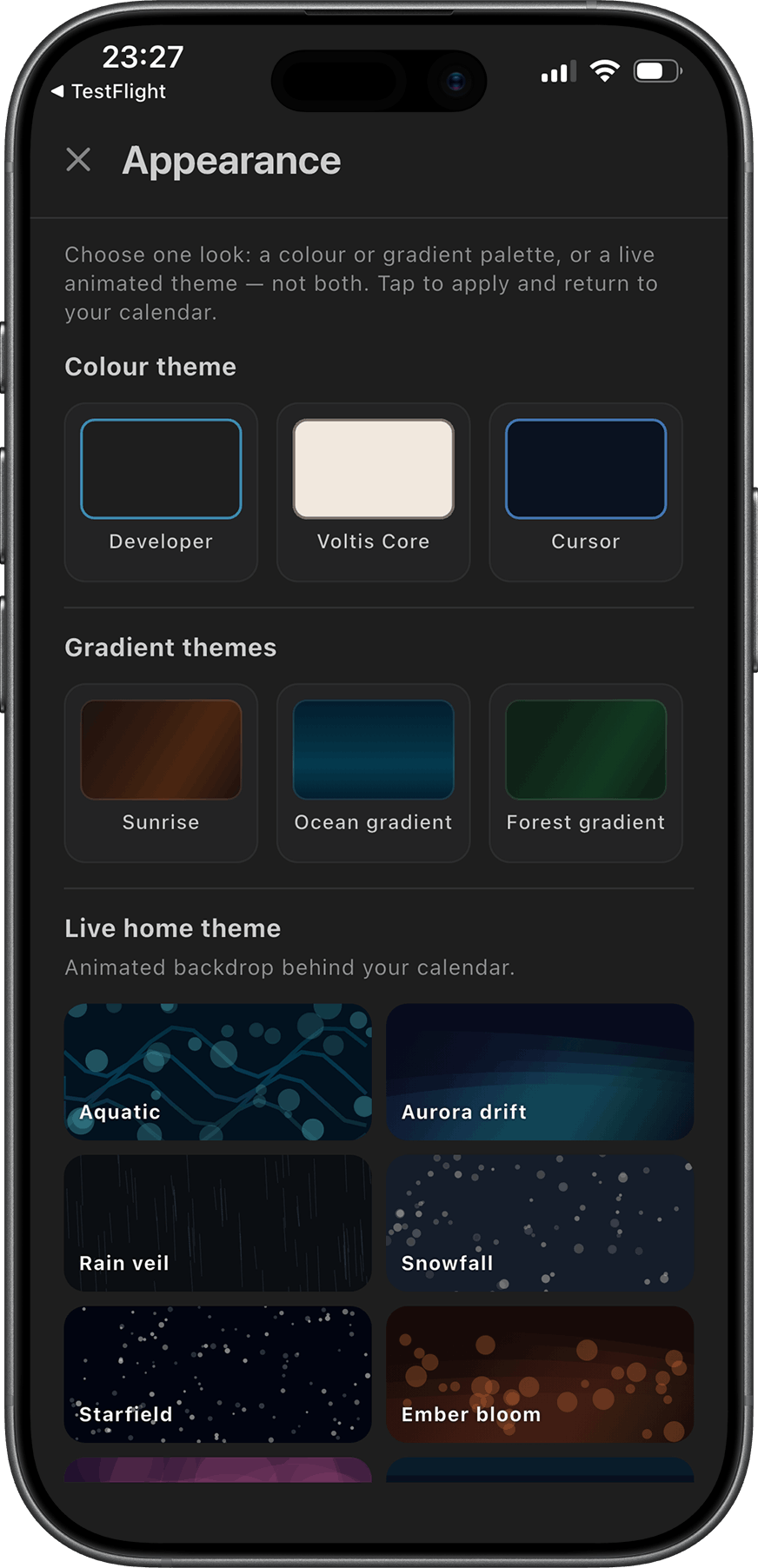
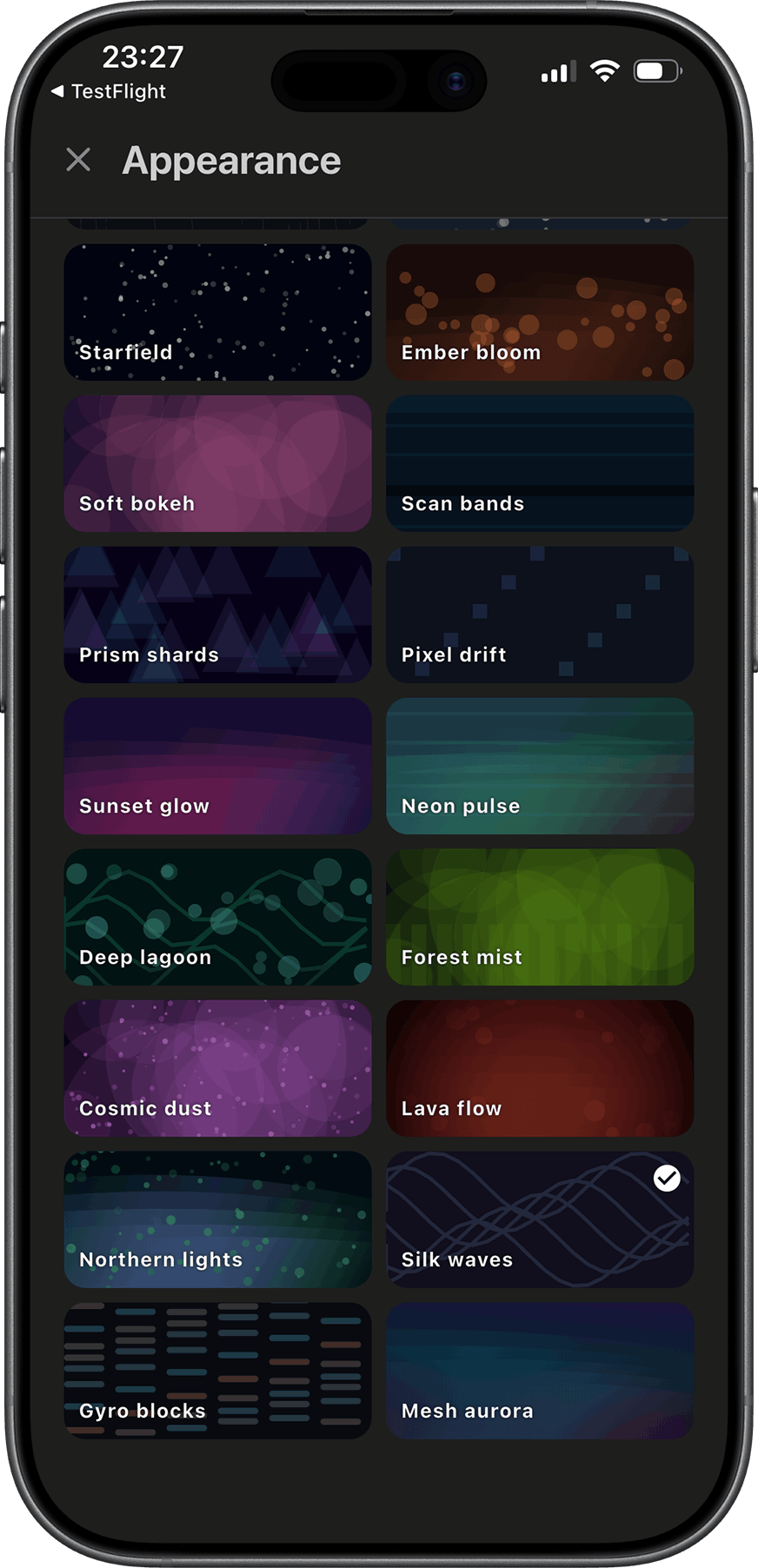
- Dark mode - Light and dark themes for late-night scheduling sessions.
- Multi-select images - Add several photos to one day in a single pick; horizontal thumbnail strip for quick review.
How it works
- Open the month and scan which days already have content planned.
- Tap a day to add or edit caption, tags, cover, and images.
- Save - your grid updates immediately with the cover thumbnail.
- Export or publish elsewhere when you are ready; Content Calendar is the plan, not the pipe.
Platforms
Windows desktop (installer available) and Android. macOS builds follow the same Flutter codebase.
What Content Calendar is not
It does not auto-post to social networks, sync across devices via cloud, or replace your editor. It is the calendar layer - the place you decide what ships when, with the assets and copy attached to each date.