
Creators
MockupsPhone mockups from screenshots - ready for campaigns, stores, and pitch decks.
Voltis Core · Creators.
Turn raw screenshots into polished phone presentations. Drop in a capture, pick a device frame, and export campaign-ready visuals without opening a design suite.
Mockups is built for teams that ship app updates, marketing pages, and store listings - when you need believable device shots fast, not a half-day in Figma.
What is Mockups?
Mockups is a Voltis Core studio tool for compositing screenshots into realistic phone frames. Upload a capture, choose a device shell, tune placement, and export PNG or JPEG assets sized for social, App Store galleries, landing pages, and investor decks.
Instead of rebuilding the same Photoshop template for every release, you get a repeatable workflow with consistent framing, shadows, and export presets.
Who is it for?
- Product marketers refreshing store screenshots and campaign art
- Founders preparing pitch decks and launch posts
- Developers who need polished visuals without a dedicated design handoff
- Agencies batching device shots for multiple client apps
- Anyone publishing app updates who wants store-ready frames in minutes
If your workflow is "screenshot exists, polished mockup needed," Mockups is built for you.
What makes it different?
| Manual design file | Mockups |
|---|---|
| Rebuild templates per device and release | Drop screenshot, pick frame, export |
| Inconsistent shadows and scaling across assets | Repeatable compositing with tuned defaults |
| Heavy tools for a simple phone-on-background shot | Purpose-built for screenshot-to-mockup loops |
| Hard to batch many screens quickly | Streamlined export path for campaign batches |
Mockups handles the repetitive compositing work so you can focus on the product story behind each screen.
How it works
- Upload or paste a screenshot from your app or prototype.
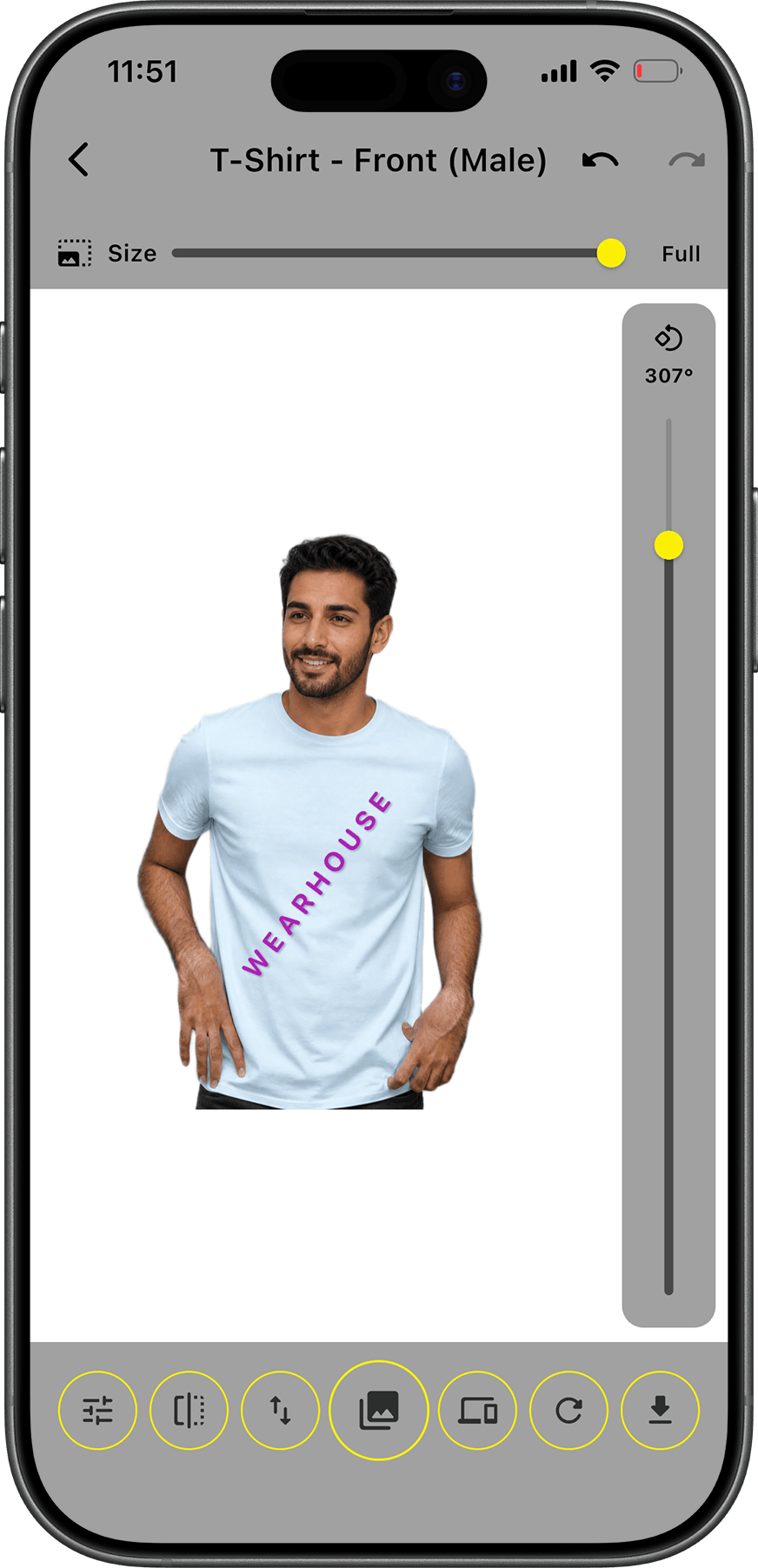
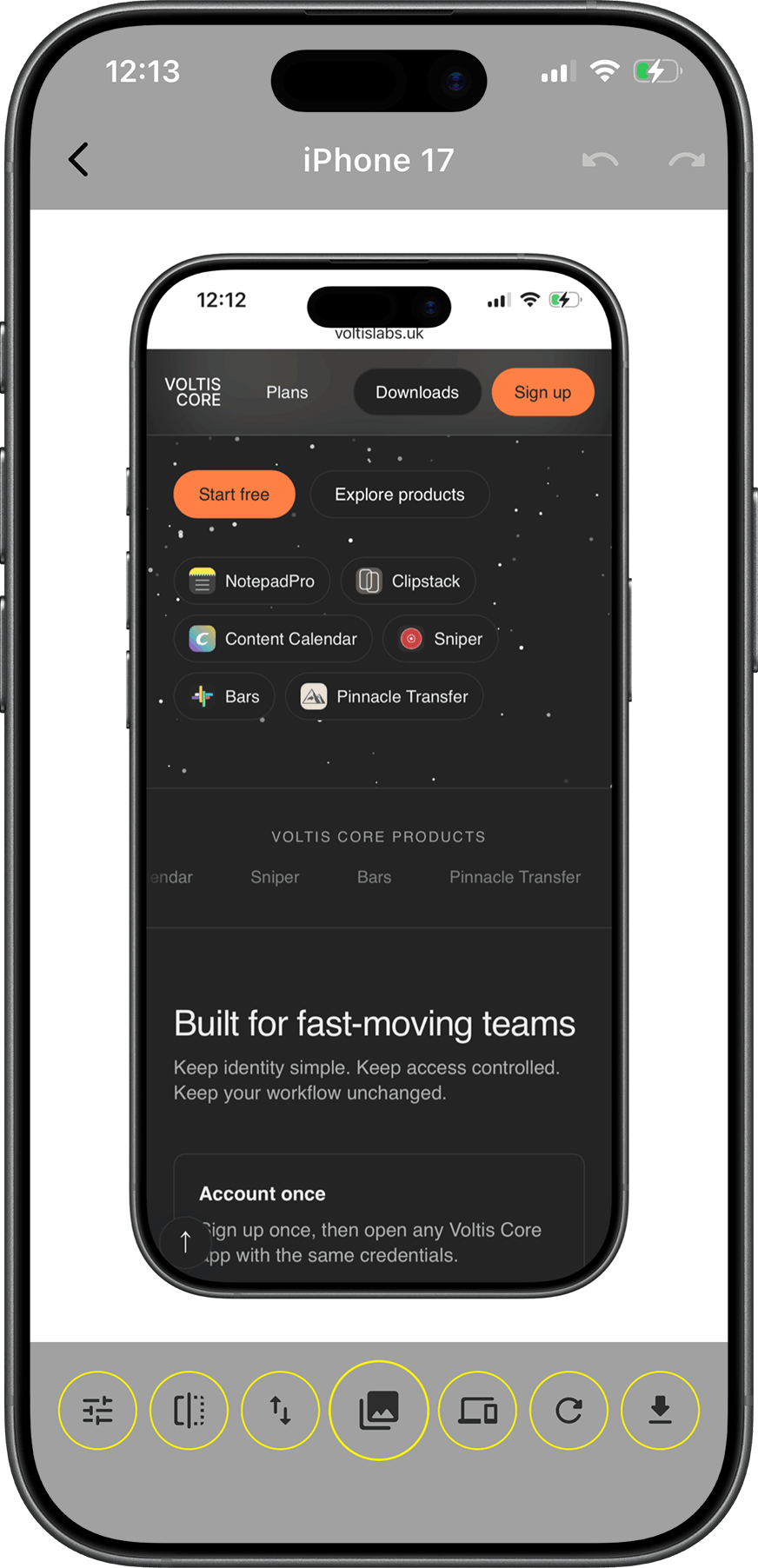
- Select a device frame and adjust fit, padding, and background.
- Preview the composite with realistic framing and export settings.
- Download PNG or JPEG assets ready for stores, social, or slides.
No layer stacks. No manual masking around bezels. One workflow from raw capture to finished mockup.
Key features
- Device frames - Phone shells tuned for believable store and campaign shots.
- Screenshot compositing - Fit, crop, and place captures inside frames automatically.
- Export presets - PNG and JPEG output sized for common marketing channels.
- Batch-friendly flow - Repeat the same steps across many screens in a release.
- Voltis Core sign-in - Same account as the rest of the studio product line.
Why teams use it
Speed. Launch weeks rarely wait for a designer to reopen last quarter's PSD.
Consistency. Every screenshot shares the same frame, shadow, and export treatment.
Focus. One tool for screenshot-to-mockup - not five tabs between Figma, Photoshop, and export folders.
What Mockups is not
Mockups is a compositing studio, not a full design editor. It won't replace Figma for UI exploration, vector illustration, or complex layout systems. It's for turning existing captures into polished device shots - fast.
Where Mockups fits best
App Store refreshes
Ship new screenshots inside consistent device frames when you push a release - without reopening last quarter's design file.
Launch campaigns
Batch hero shots for social posts, landing pages, and email headers from the same screenshot set.
Pitch decks and demos
Drop believable phone visuals into slides and one-pagers when you need polish fast, not a full brand system rebuild.
Agency handoffs
Standardize device framing across client apps so every deliverable reads as one studio, not five different Photoshop templates.
Device catalog
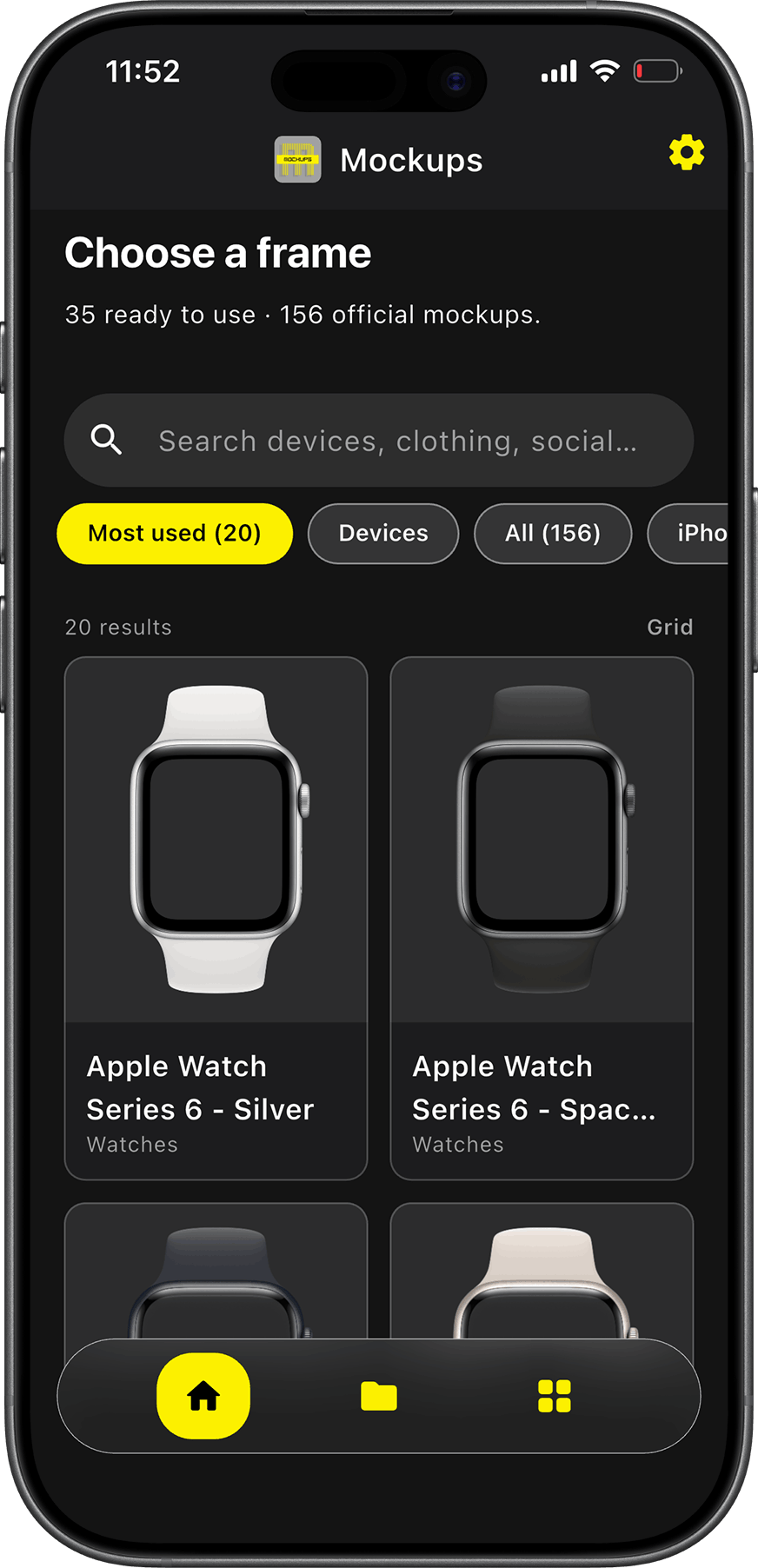
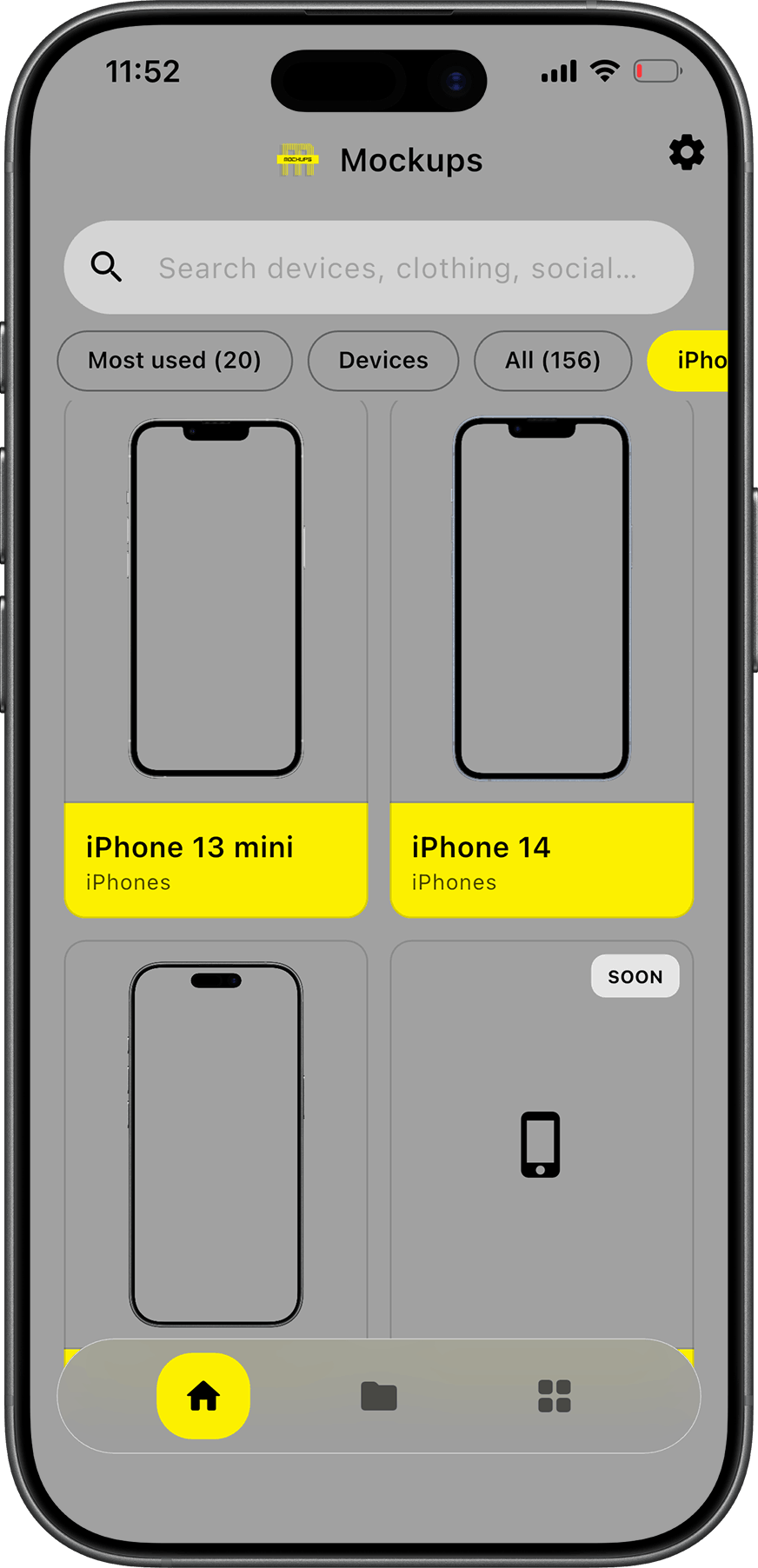
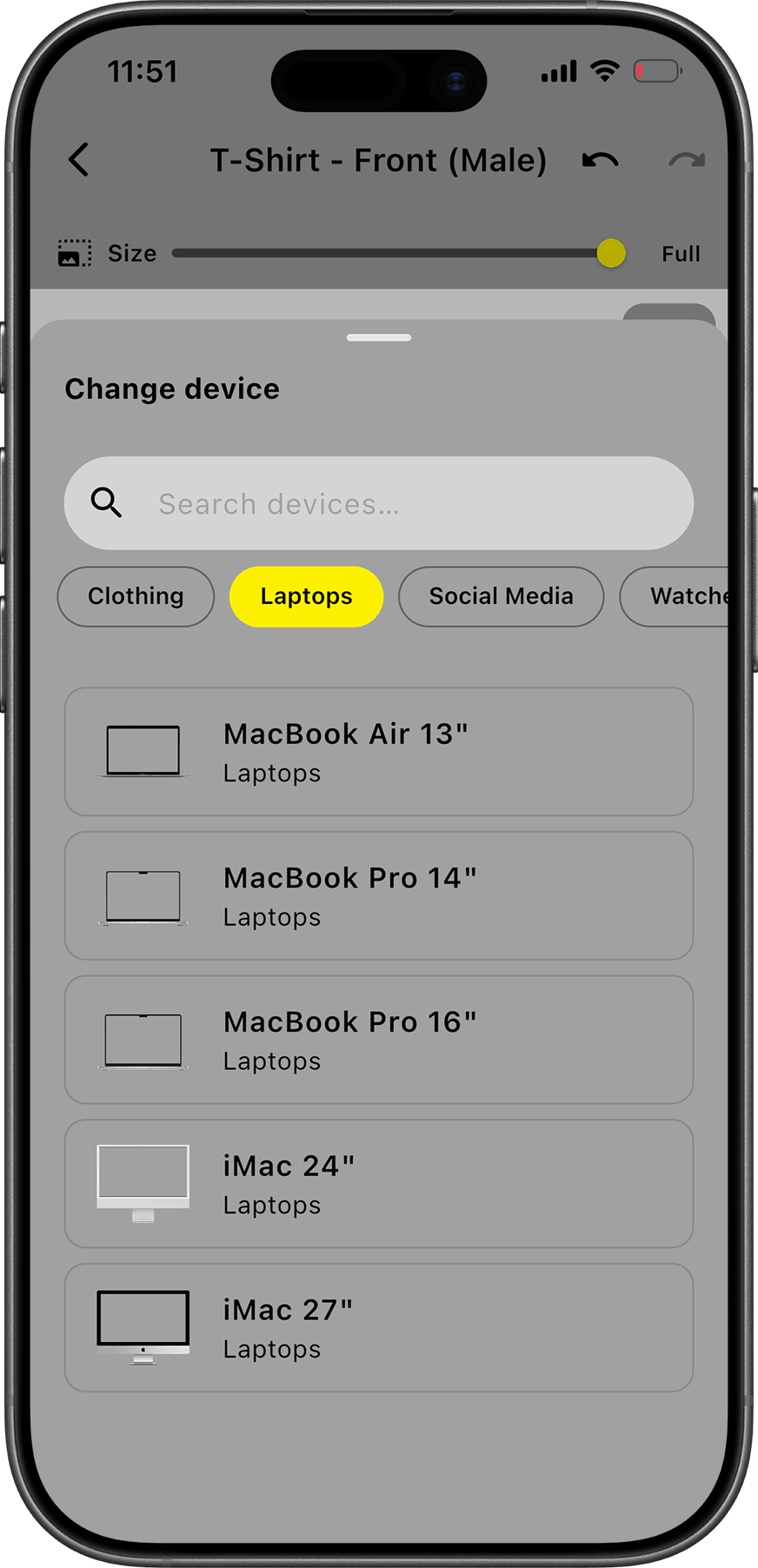
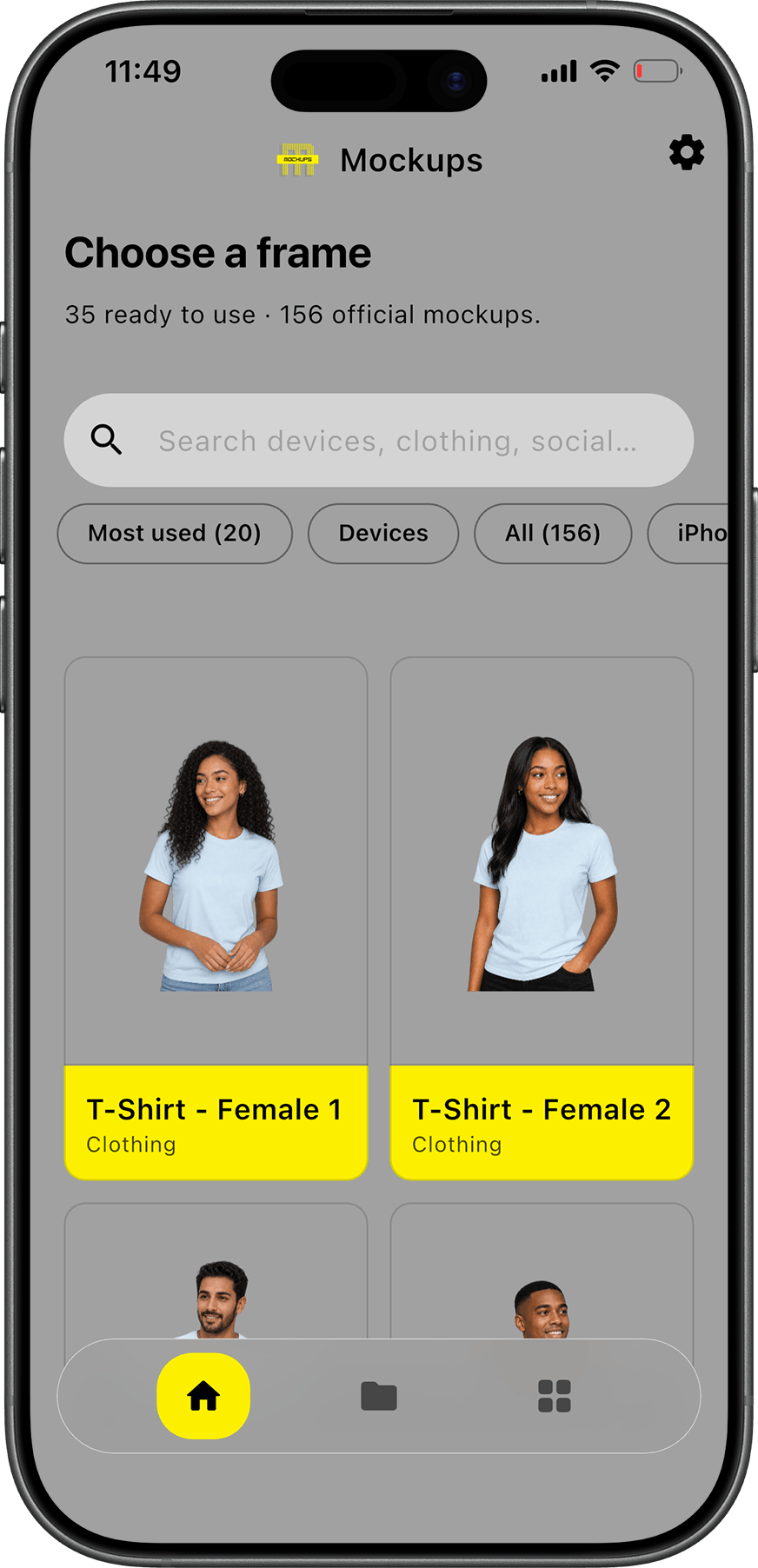
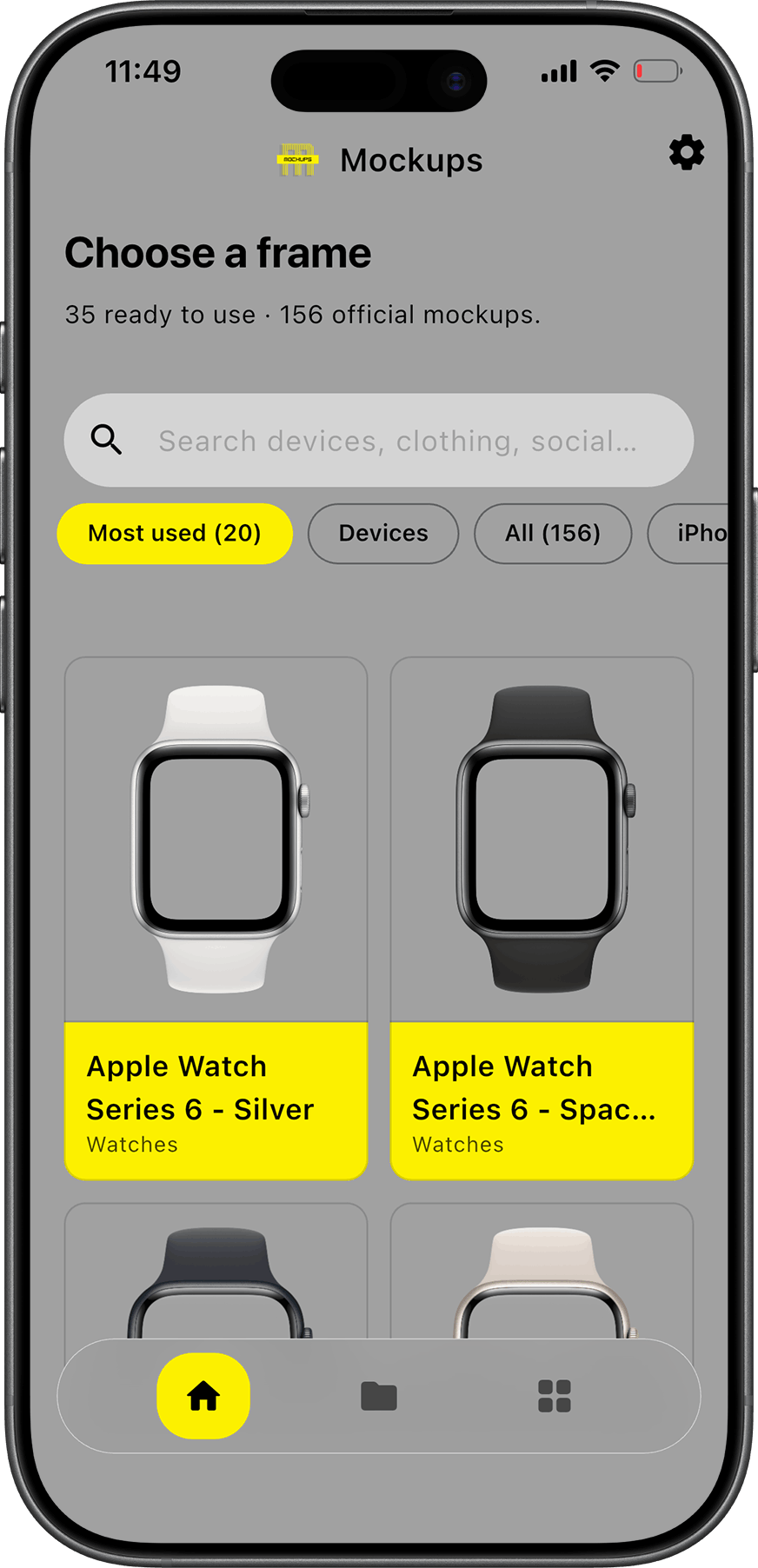
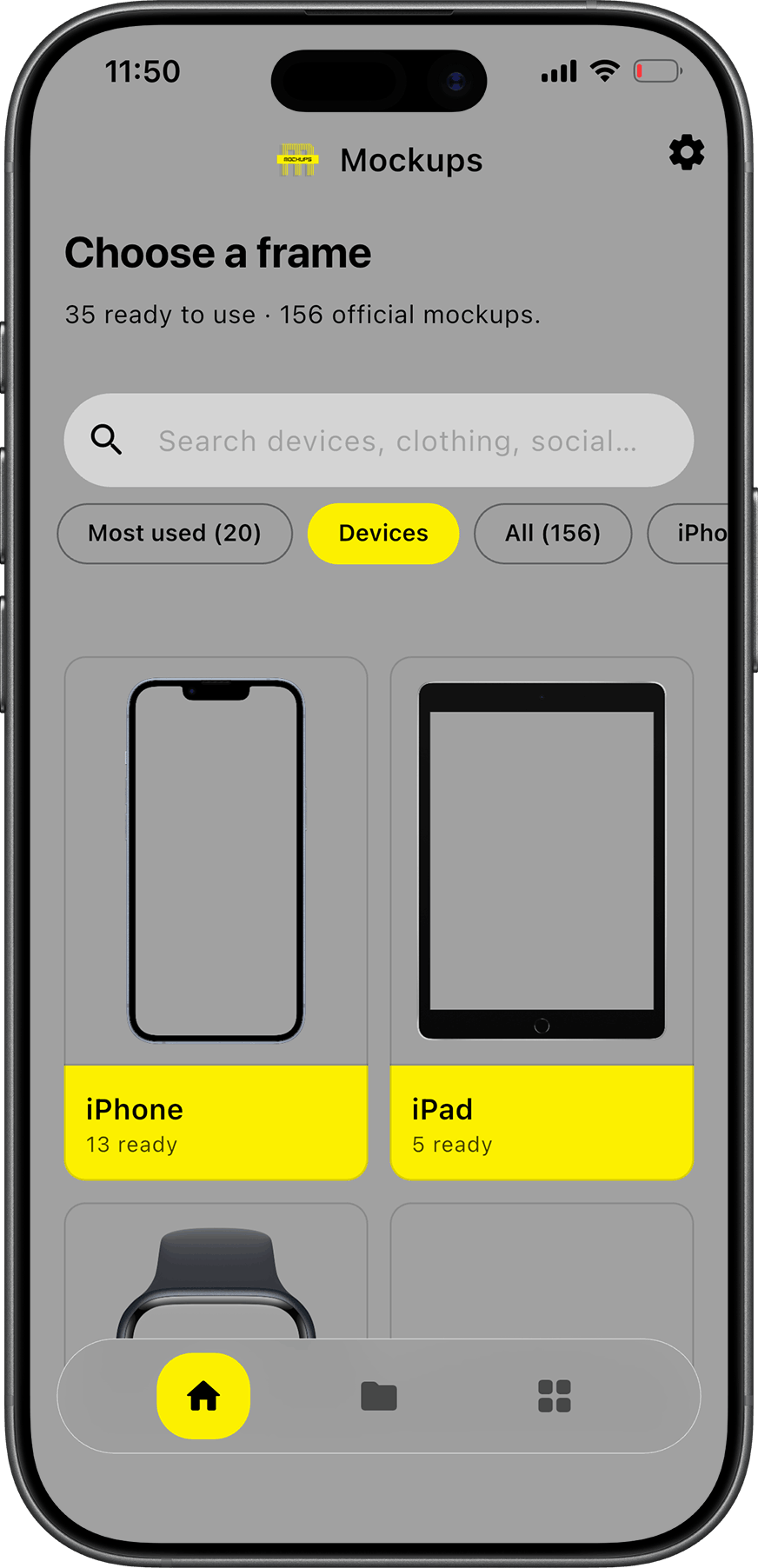
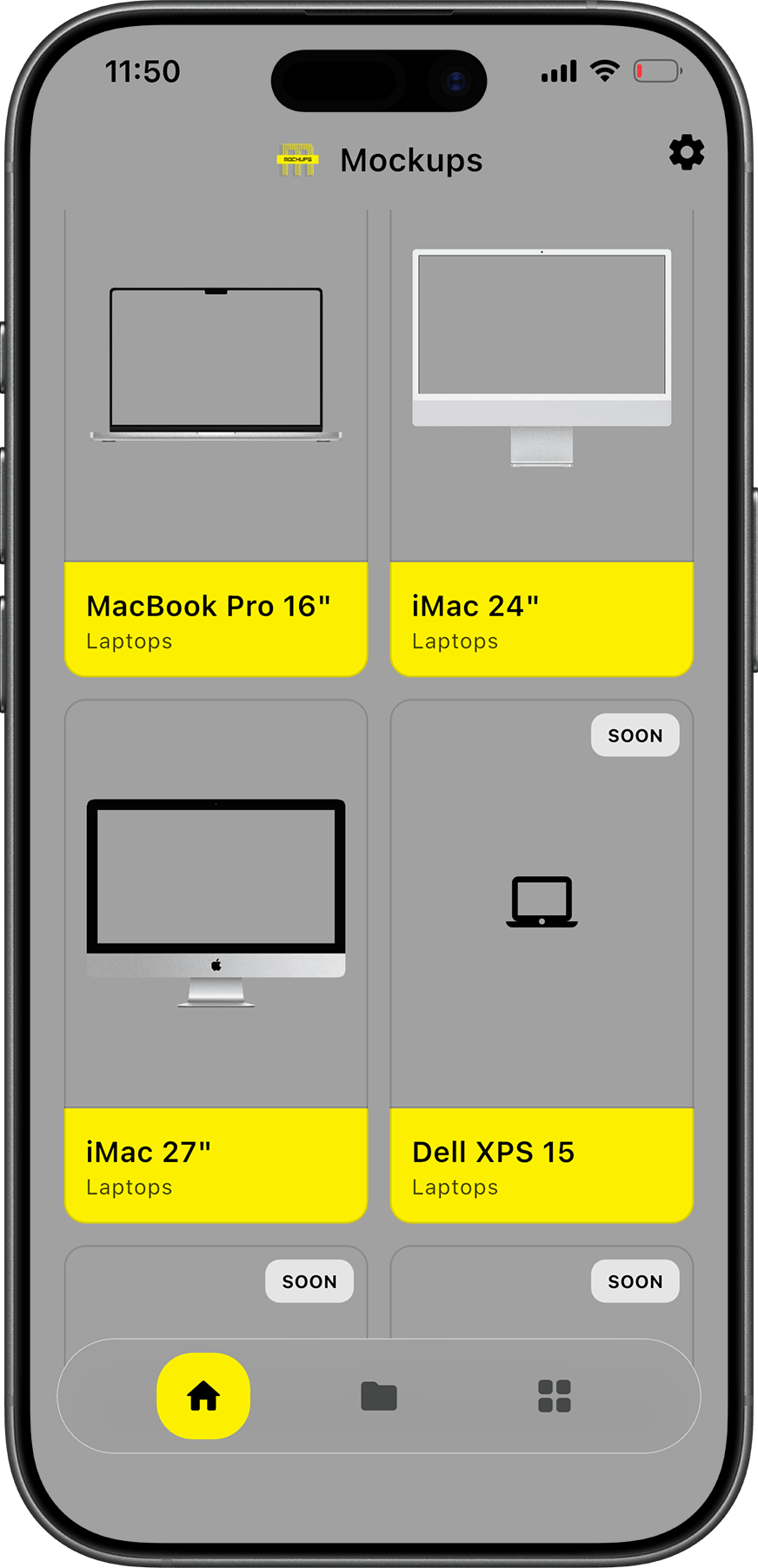
Mockups ships with a free library of phone, tablet, laptop, and watch frames. Pick a shell, drop in your screenshot, tune placement, and export - no subscription required.
- iPhone and iPad portrait frames
- MacBook and iMac shells for desktop captures
- Apple Watch bezels for glanceable UI shots
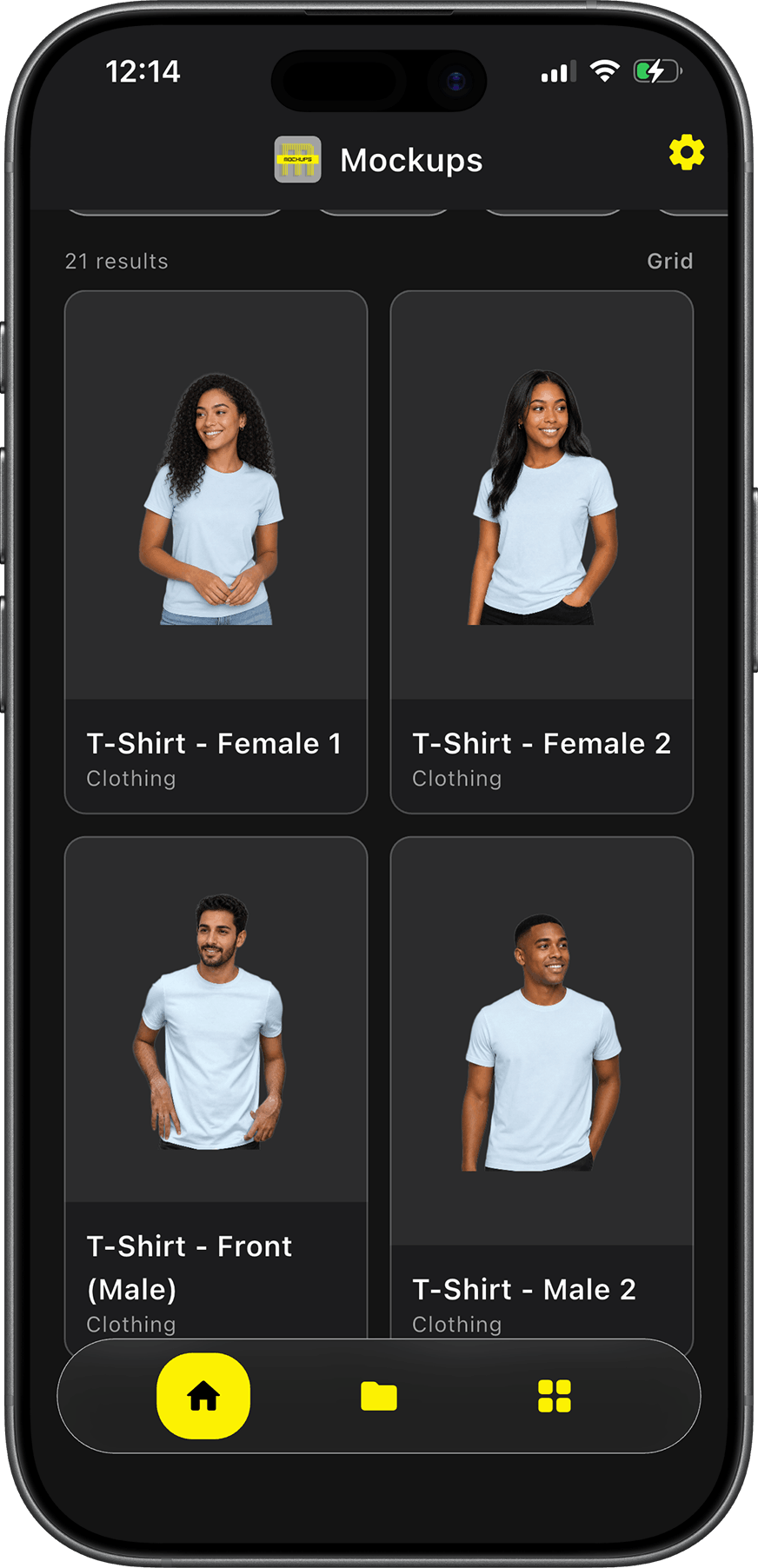
- Human context scenes for lifestyle marketing
Getting started
Sign up on Voltis Core, open Mockups from the studio launcher, and upload your first screenshot. Mockups is free forever with a curated frame catalog. Download Mockups for Windows or macOS.