
Productivity
NotepadProOne place for every way you think.
Voltis Core · Productivity.
One place for every way you think. Notes, tasks, tables, and previews-plain text, HTML, CSV, and tasks in one app. Local-first, with sync when you choose it.
NotepadPro is a desktop thinking workspace-not a single-format notes app. Write in plain text, structure work as tasks, crunch rows in CSV, and preview HTML, with local-first speed and optional LAN sessions.
A multi-format thinking tool
Most tools pick one format and ask you to bend your work around it. NotepadPro sits closer to the flexibility you would expect from a workspace stack-without forcing you through five separate installs to get there.
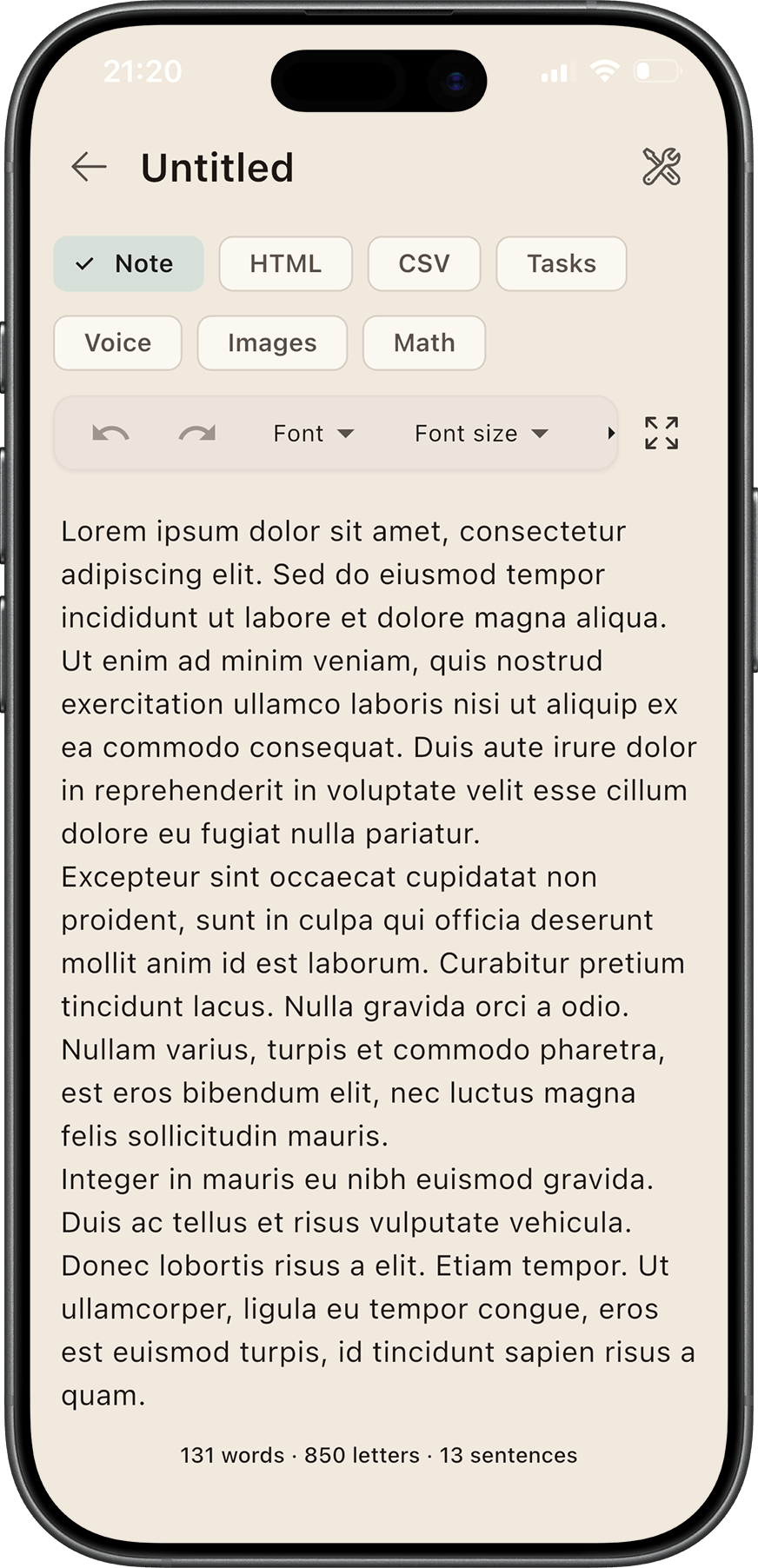
Plain capture when you are drafting, task mode when you are executing, CSV when you are counting, HTML when you need structure and preview. The landing story is simple: stop switching apps. Start thinking in one place.
Why NotepadPro?
Your ideas rarely arrive as a single file type-so a serious workspace should not pretend they do. NotepadPro reframes the product as a thinking surface with modes, not as yet another “write notes faster” banner.
Modes at a glance
| Mode | Built for |
|---|---|
| Plain | Writing, journaling, quick capture |
| Checklist | To-dos, reminders, and trackable task flow |
| CSV | Budgets, lists, lightweight spreadsheets |
| HTML | Snippets, formatted notes, preview |
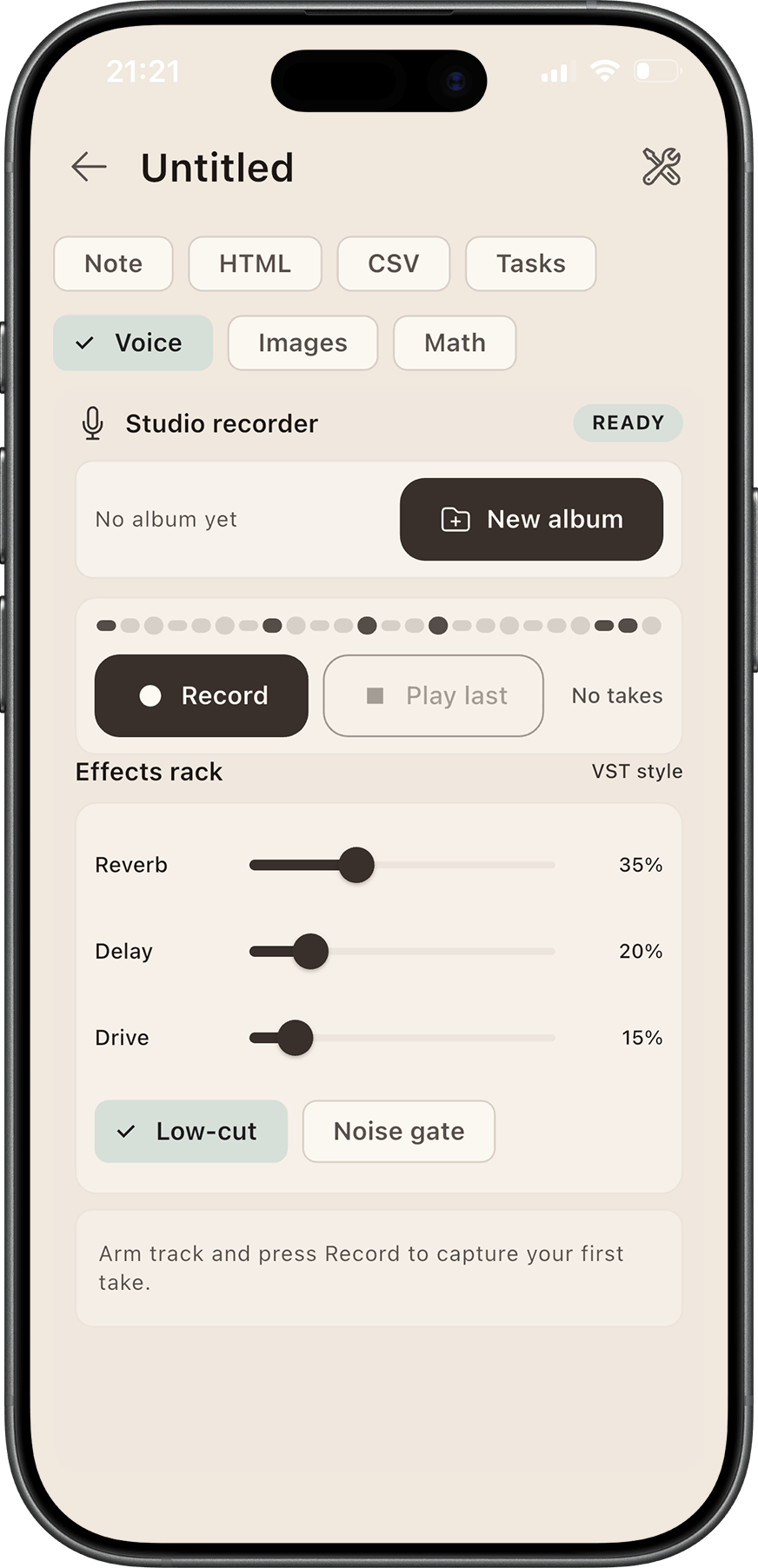
| Voice | Record and keep voice notes alongside written context |
| Images | Attach and review visual references inside a note |
| Math | Capture calculations and formula-driven thinking |
Core features
Multi-mode notes
Switch formats inside one note instead of juggling separate apps for text, tasks, tables, and preview.
Local-first speed
Your machine does the heavy lifting-responsive editing, no spinners, and a workflow that keeps up when you are offline.
Sync on your terms
Optional LAN sessions and server sync when you want them-not a forced cloud lock-in.
Spreadsheet mode
A structured grid when you need columns and rows, without exporting to a separate spreadsheet tool for every small plan.
Task reminders
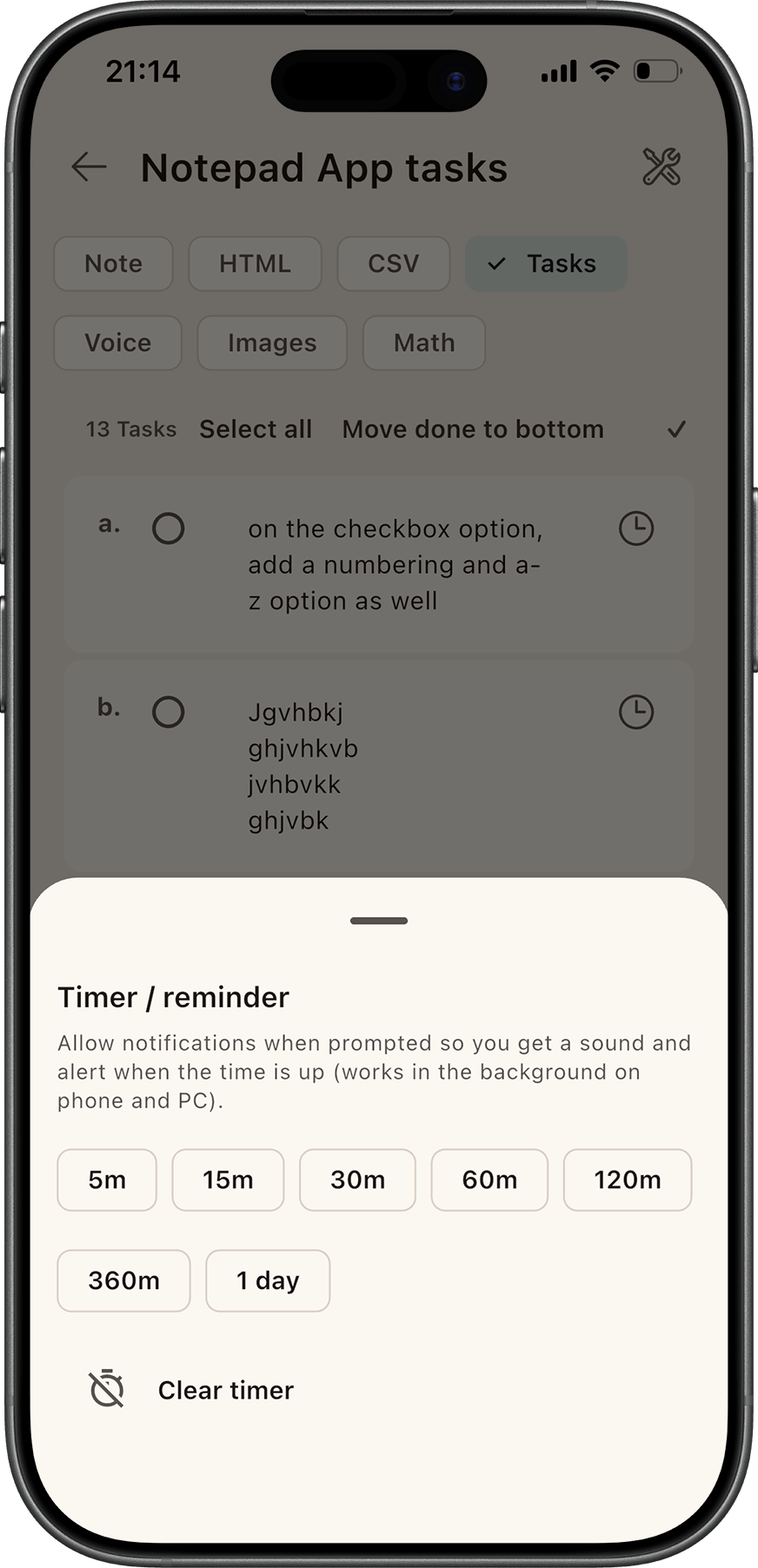
Timers and notifications built for people who live inside one workspace all day.
Desktop-first UI
Sidebar, embedded editor, and controls tuned for a full keyboard-and-mouse session-not a phone port.
See it in action
Short scenarios beat long feature grids. Here is how people actually use the modes together.
Plan your day
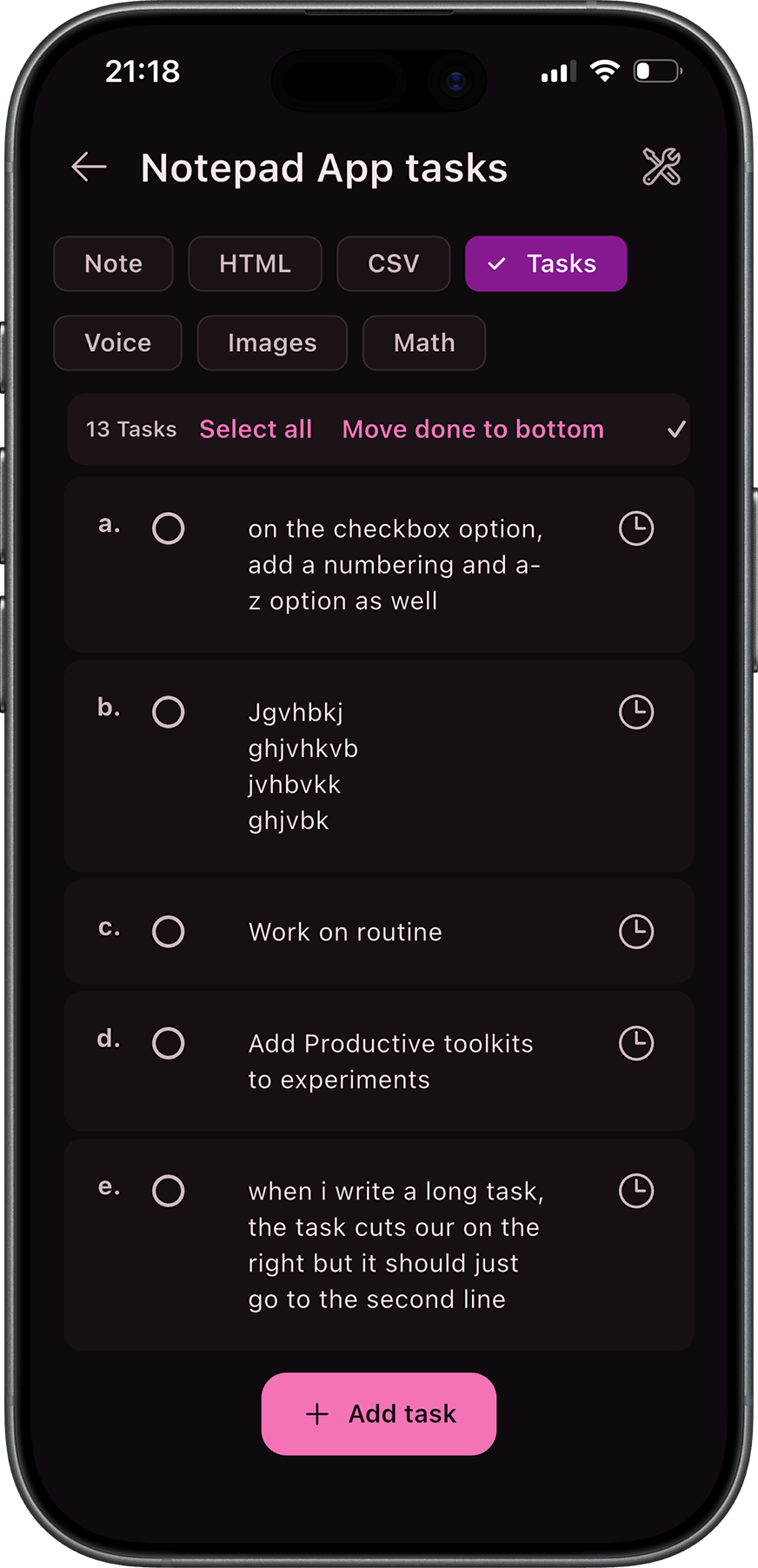
Tasks mode with timers so priorities stay visible and timeboxed.
Track a budget
CSV-style rows for numbers that change often-without leaving the note you are already in.
Shape an idea
Rich editing when you need emphasis, structure, and readable long-form notes.
Preview HTML
Source plus preview for snippets, markup, and anything you want to sanity-check before you paste it elsewhere.
Screenshots
Additional marketing screenshots live on voltislabs.uk/notepadpro; the carousel cycles desktop and mobile export frames.
Take it on mobile
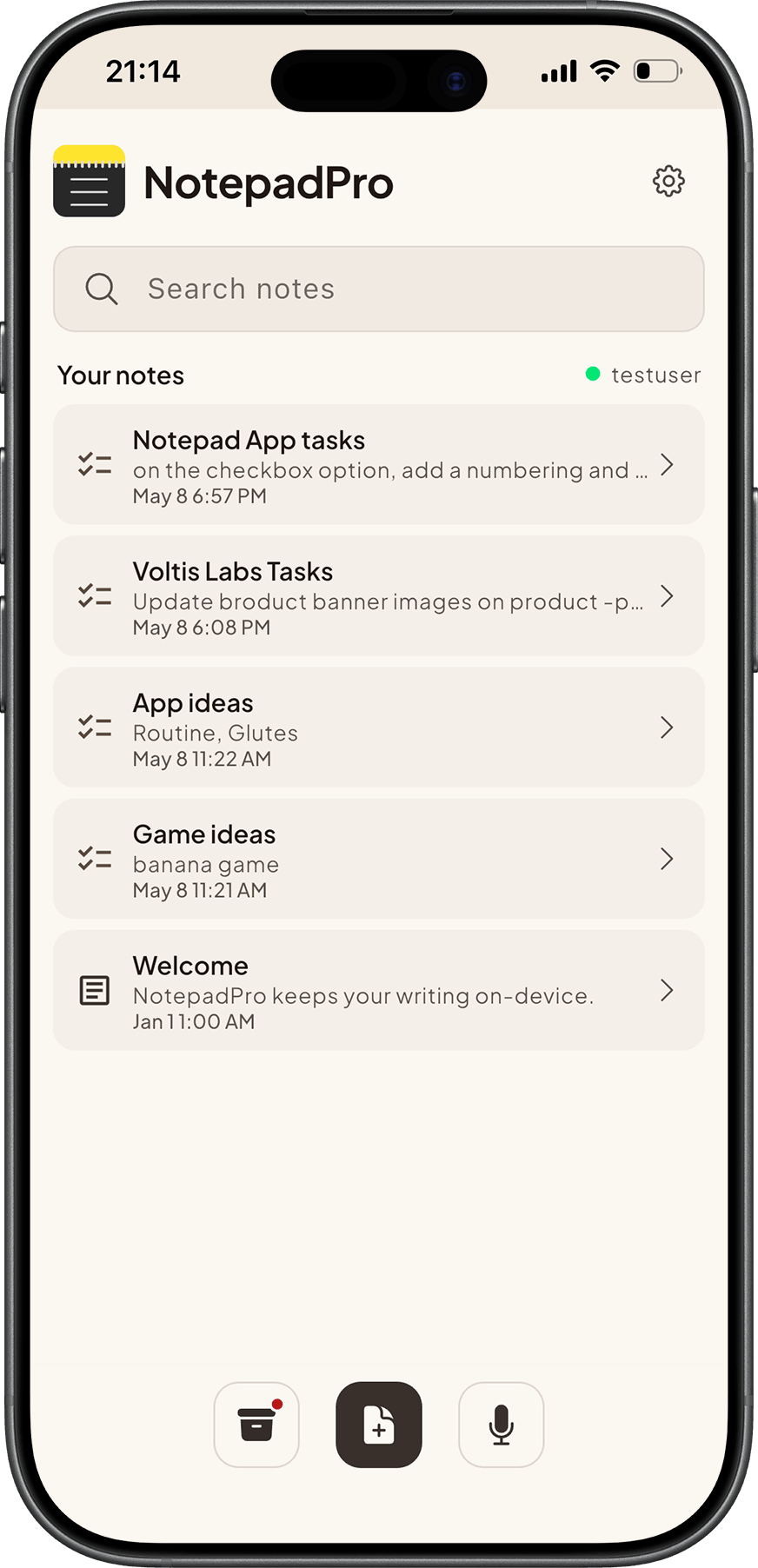
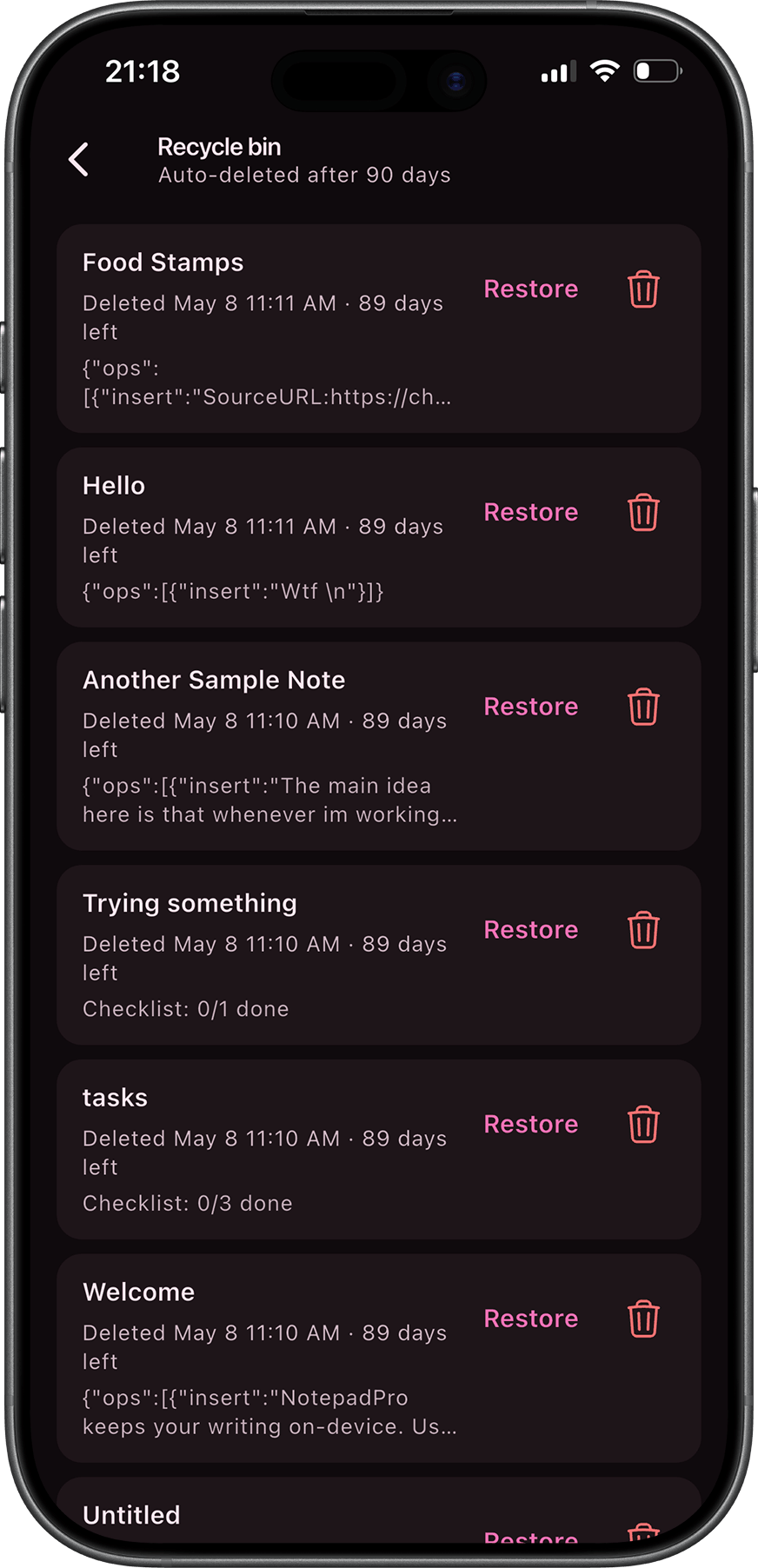
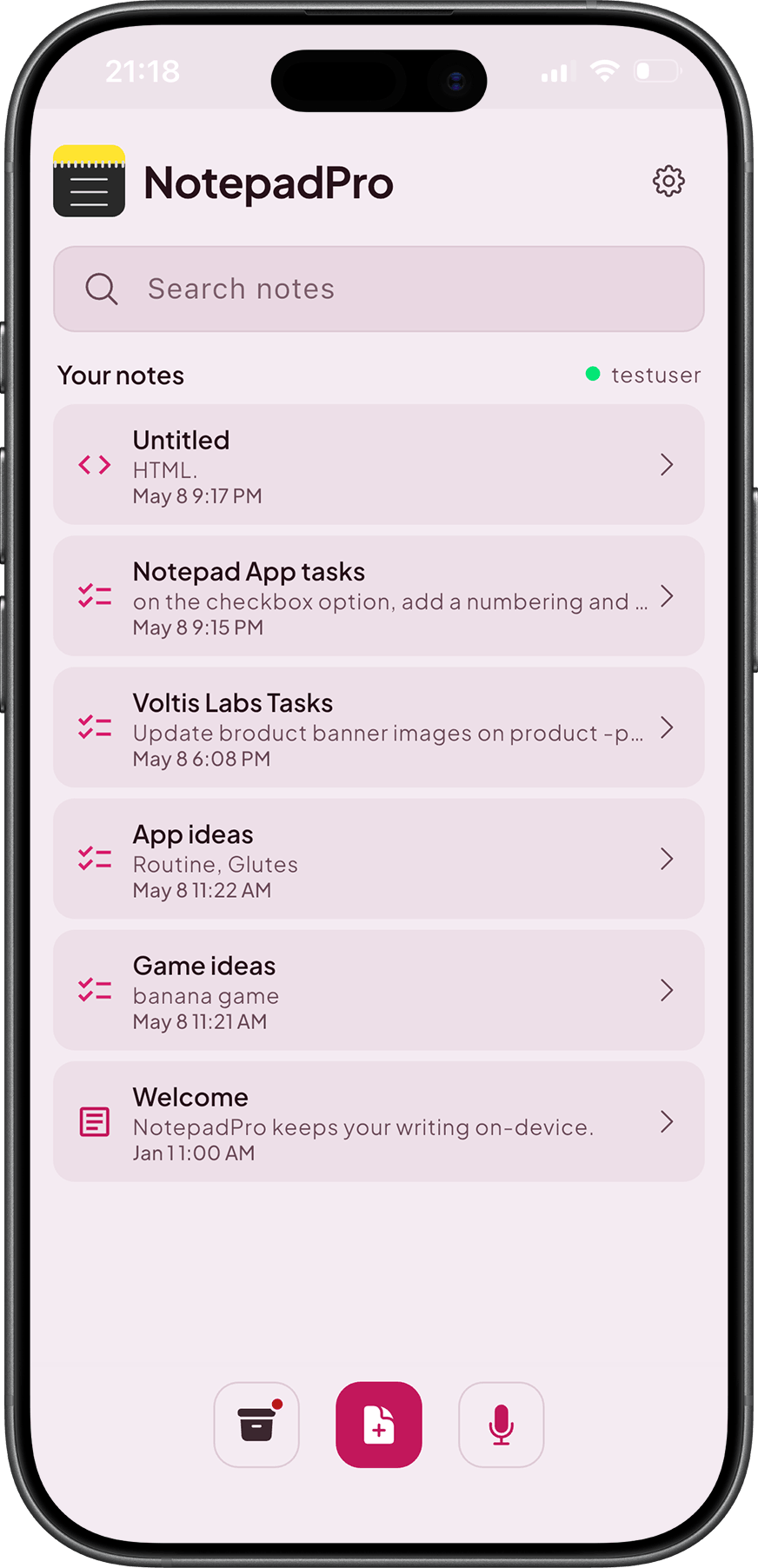
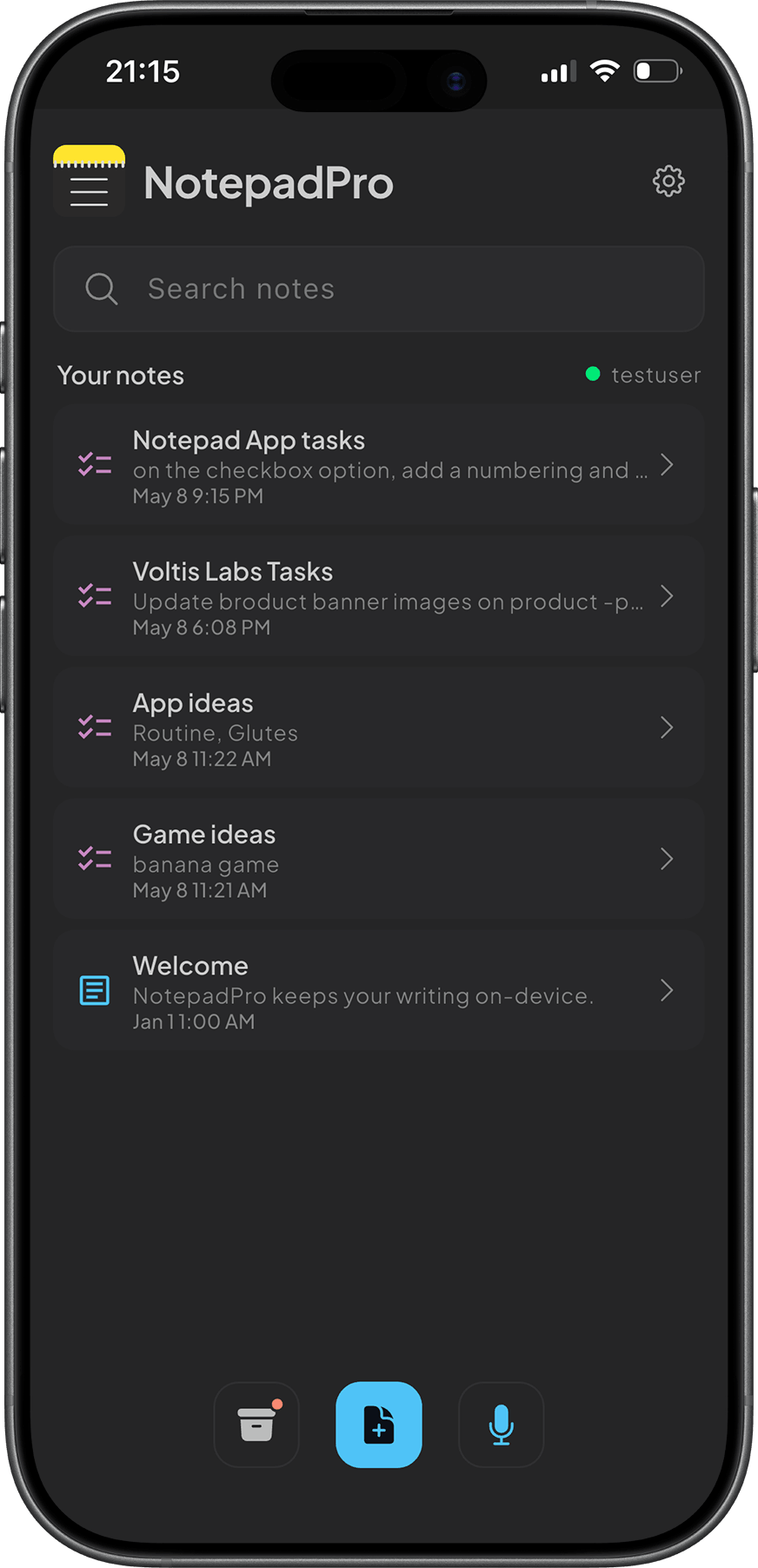
NotepadPro is not only a desktop session-the same multi-mode workspace runs on your phone and tablet, so you can capture, edit tasks, and skim notes when you are away from your desk. Install from the App Store or Google Play and pick up where you left off.
The carousel shows a few mobile screens; use the arrows or wait for the next frame to explore the flow.
Power under the hood
Built for people who keep large libraries open all day-local storage, selective sync, and tooling that respects a serious desktop session.
- Local storage without mandatory accounts
- LAN sync sessions for nearby machines
- Live updates over the network when sync is enabled
- Optional backend hooks (for example GraphQL) when you wire them in
- Offline-first behaviour for core editing
- Bulk actions, multi-select, and pin workflows for heavy libraries
How it compares
No competitor names required-the pattern is what matters: one workspace that respects offline work, optional sync, and multiple formats without duct-taping four SaaS tabs together.
| Capability | NotepadPro | Typical “notes” app |
|---|---|---|
| Multi-format in one note | Yes | Usually one format |
| Fully usable offline | Yes | Often partial |
| Optional / LAN sync | Yes | Often cloud-only |
| Built-in grid / CSV mode | Yes | Rare |
| Task timers in-workspace | Yes | Uncommon |
Minimal setup
- Download the build for your platform.
- Open a note and pick the mode that matches the job-not the other way around.
- Turn on sync only when you want LAN or server backup; otherwise stay local.